
Description
SurroundPod — HDMI Surround Signal Generator
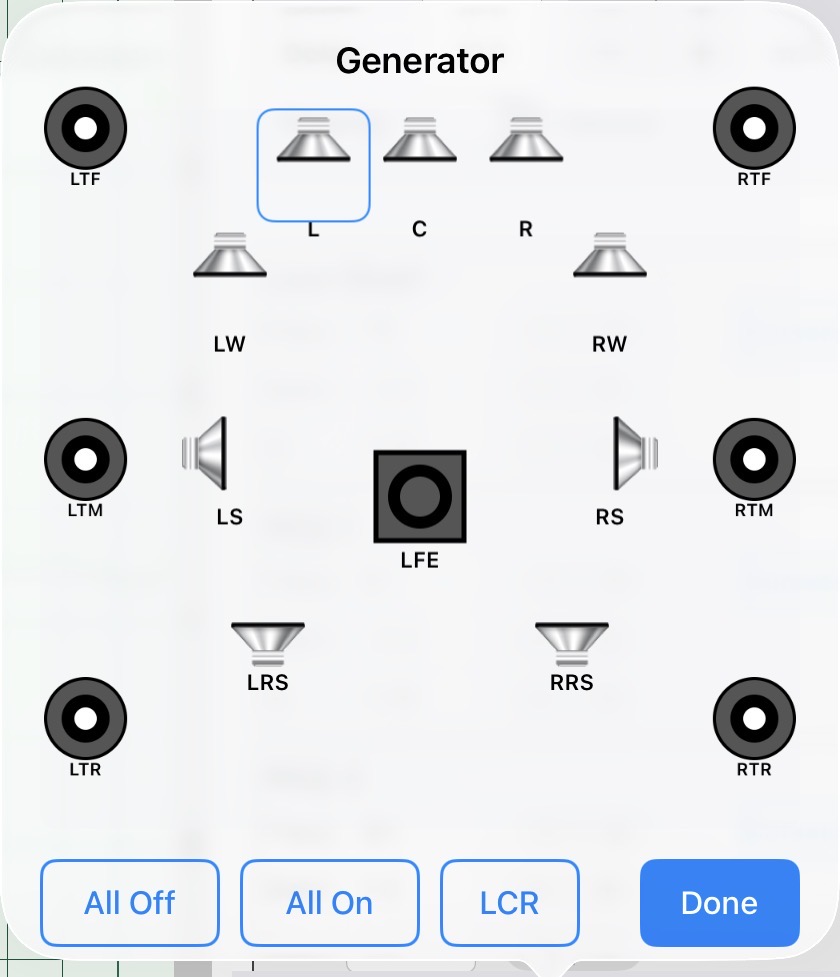
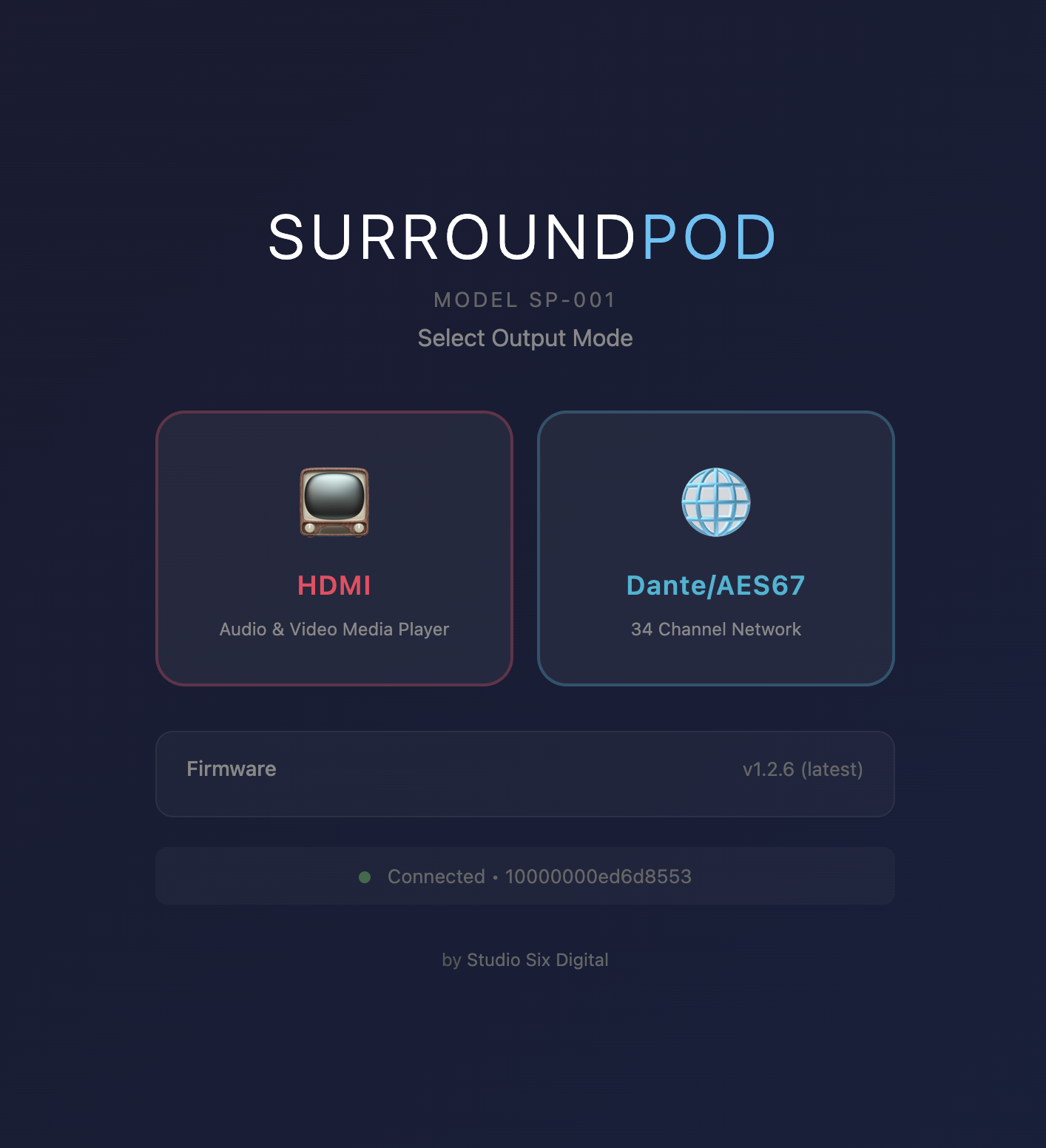
SurroundPod is a network-controlled surround sound signal generator, media player, and audio streaming device. Plug it into any A/V receiver or processor over HDMI to generate test signals in 5.1, 7.1.4, or 9.1.6 Dolby Atmos formats, play calibration audio and video files, generate sine waves, stream AES67 audio over Ethernet, or AirPlay straight from your phone.
Control SurroundPod directly from AudioTools, HAA CinemaTools, or any web browser on your network.
Quick Setup
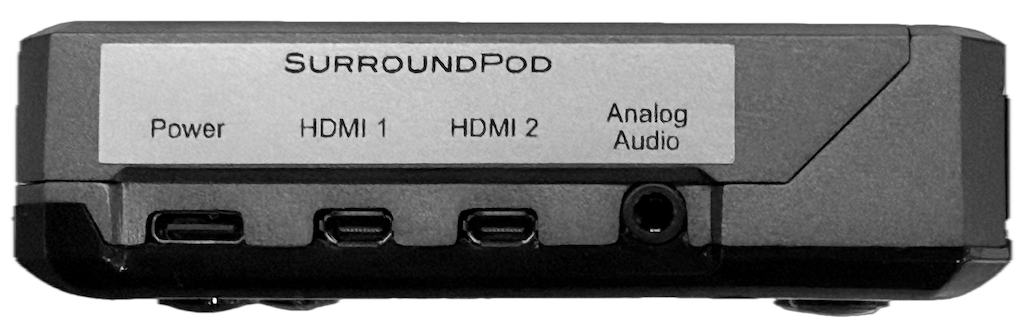
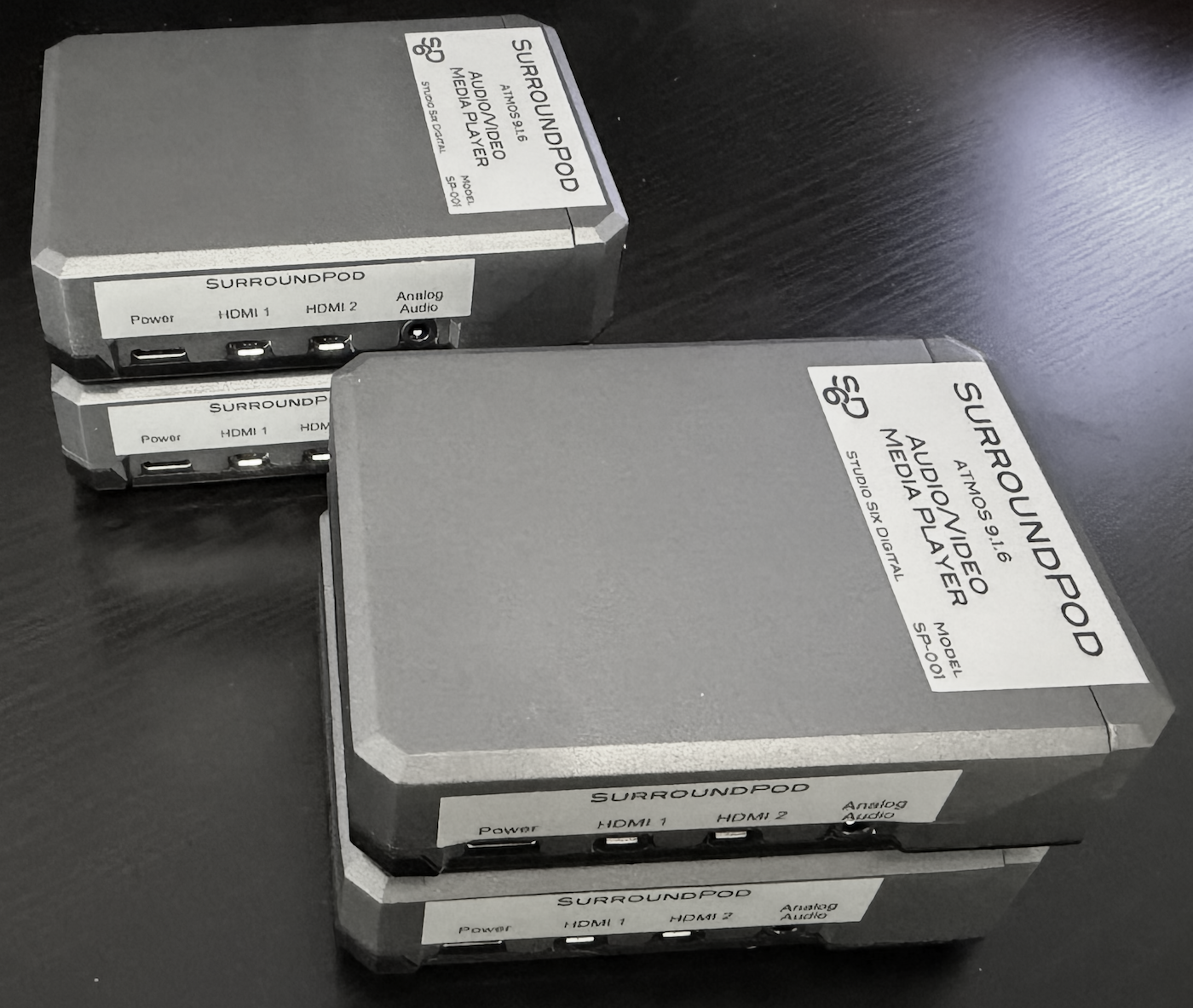
Connect SurroundPod using the included HDMI cable, plug in Ethernet, and run any of our supported apps — or just enter surroundpod.local:8080 into any browser to bring up the control interface.
No network on site? Switch on Wi-Fi and SurroundPod will create its own, showing the details on screen so you can connect from your phone.
Either HDMI port can be used. SurroundPod follows the cable, so if you move it to the other port, sound, picture, test patterns, and HDR all move with it.
Built for Your Kit
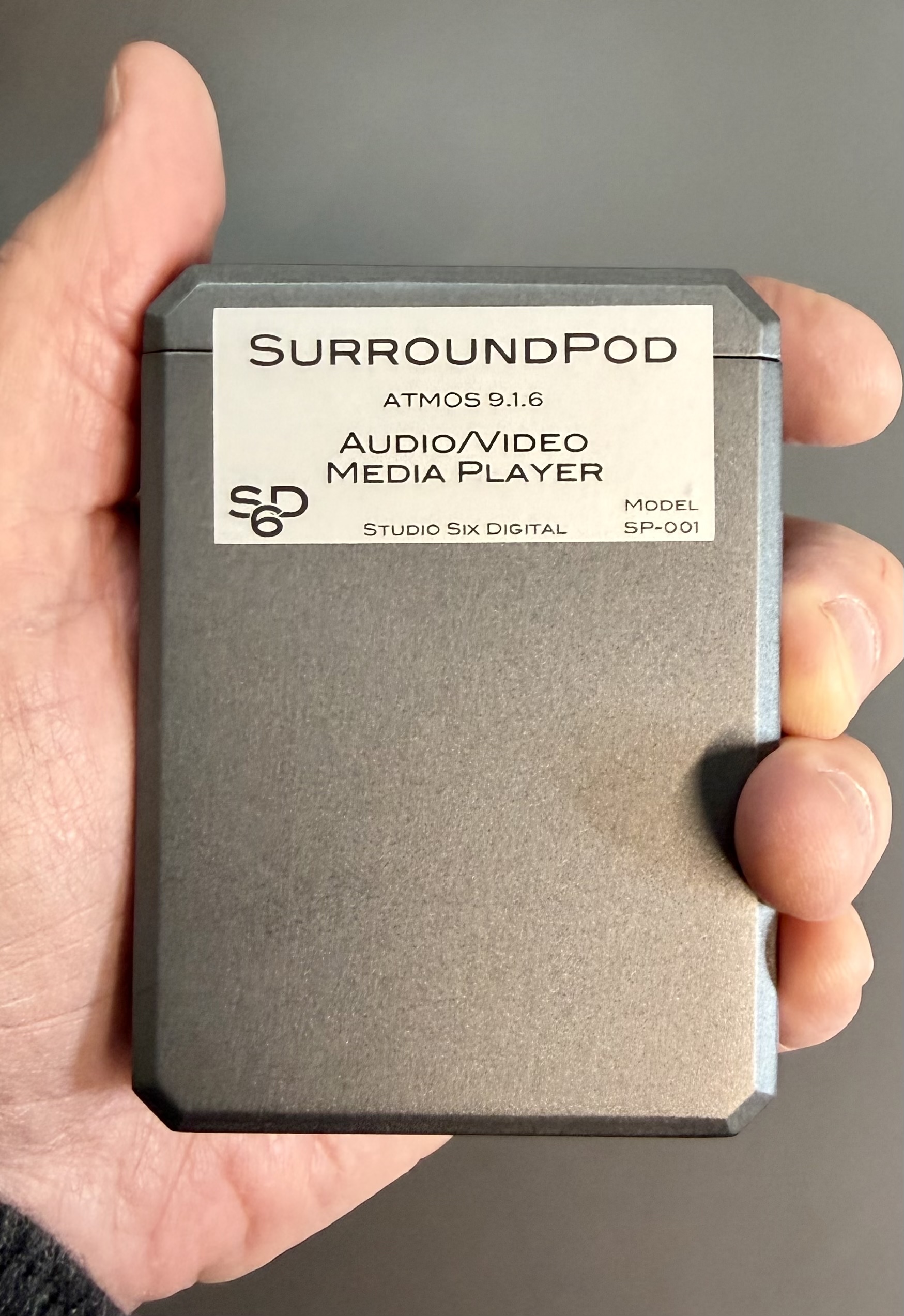
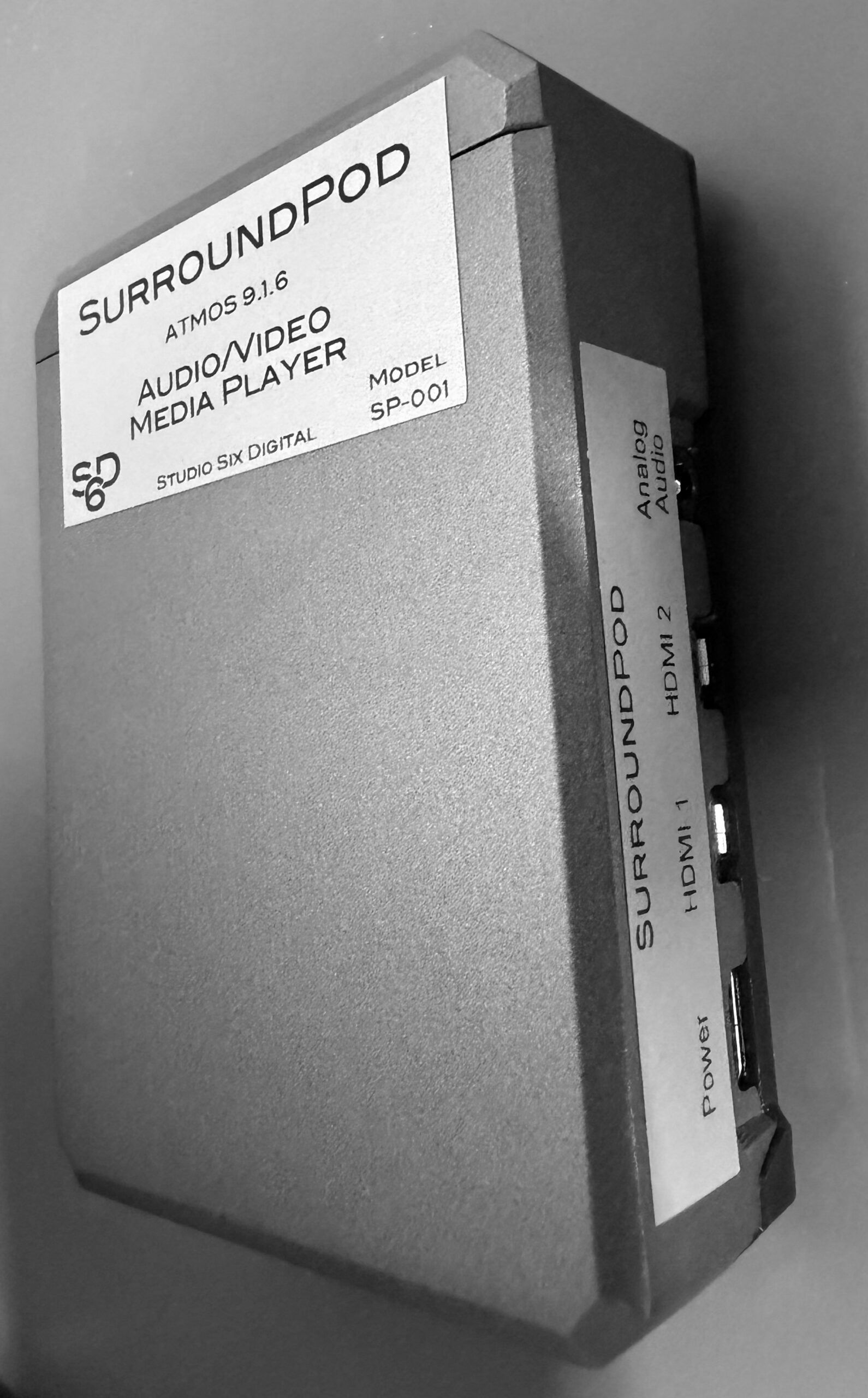
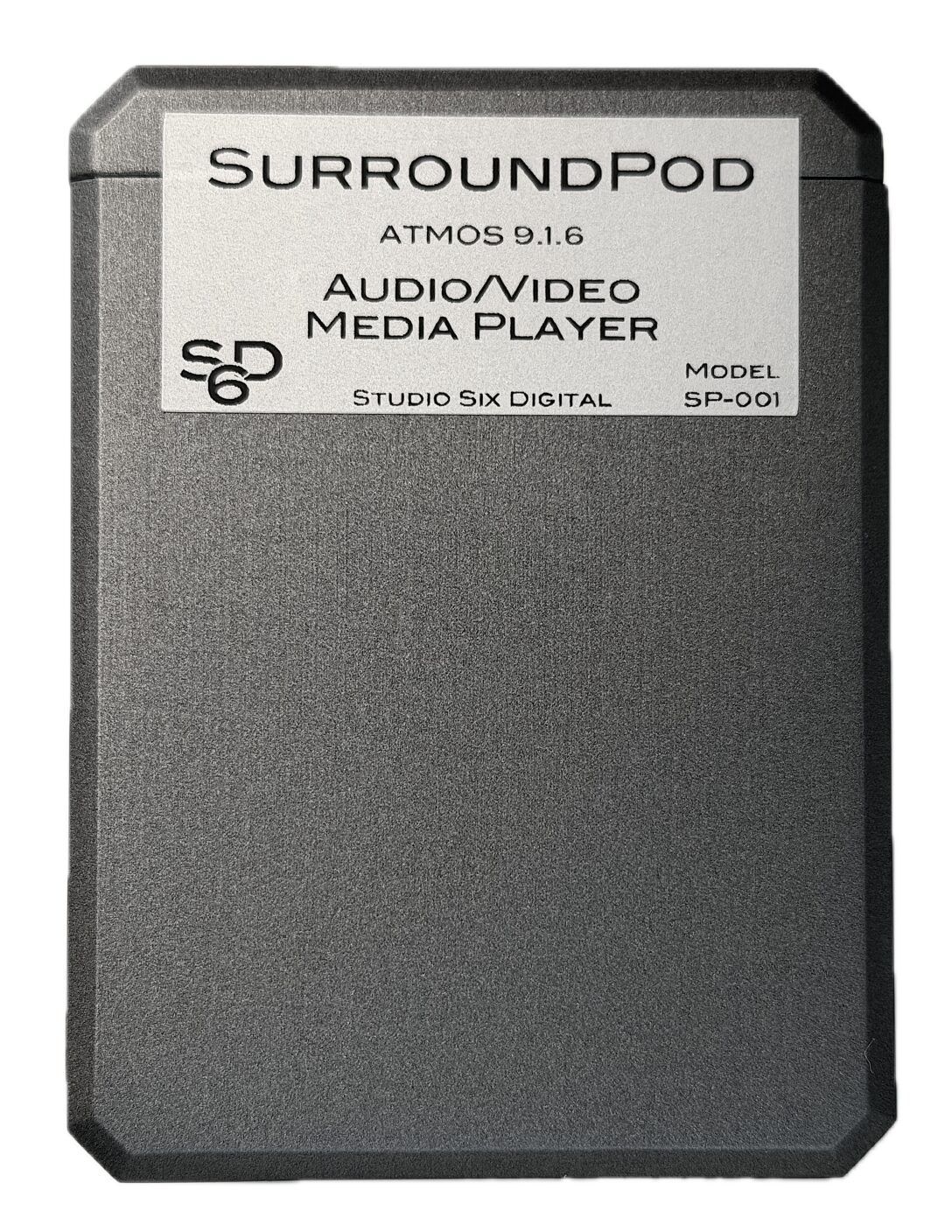
Weighing less than 6oz and barely bigger than a deck of cards, SurroundPod is the perfect addition to any test kit, providing all of your test signal generation and calibration file playback for any job.
Upload your own audio or video test files and they’ll be ready when you need them, or plug in your external storage device for instant access to your library. The standard model includes over 200GB of free storage, while the 1TB Premium model has over 800GB available.
Surround Test Signals
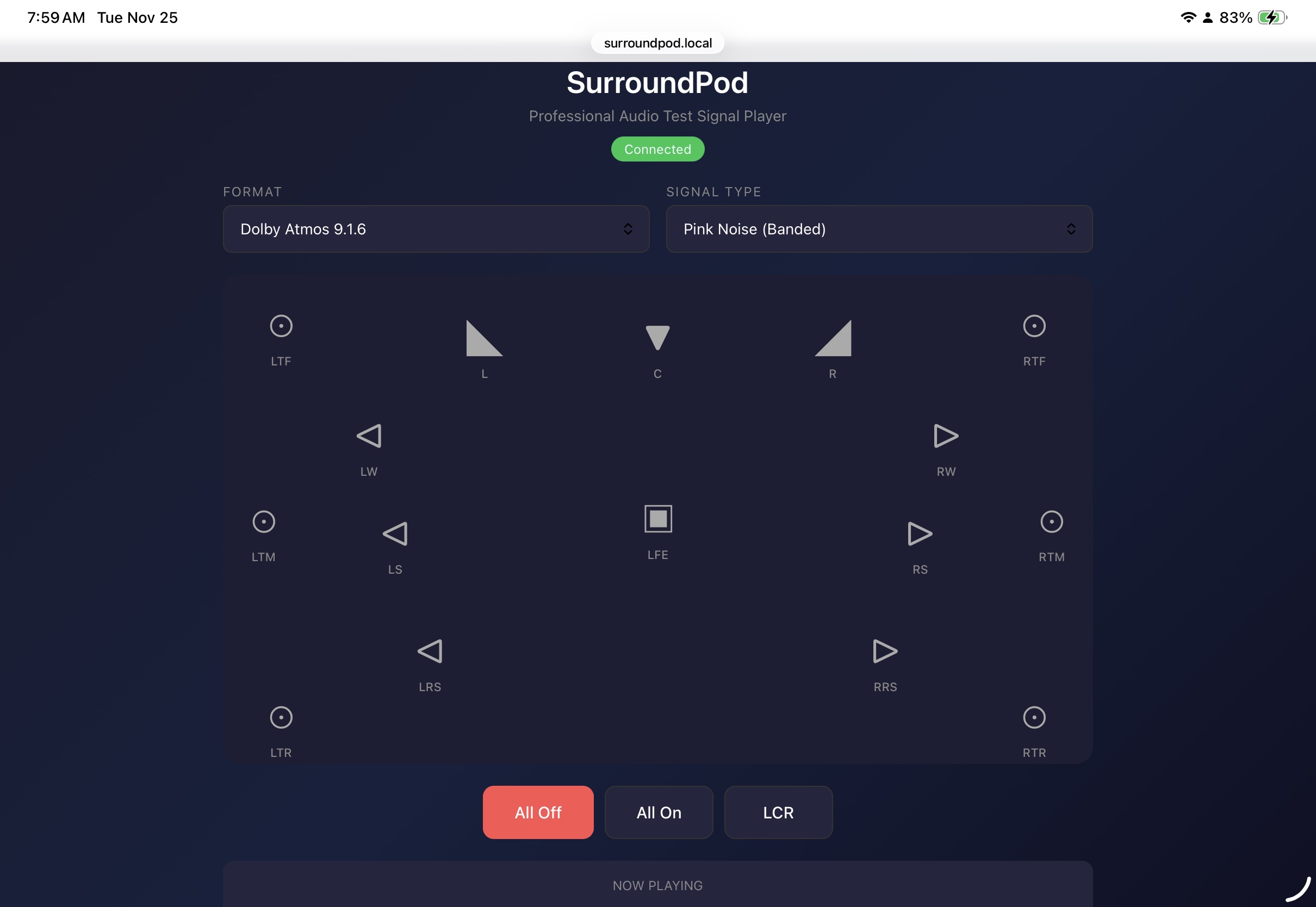
Test signals are available in 5.1, 7.1.4, and 9.1.6 formats:
- Pink Full Band — SMPTE standard pink for channel frequency response adjustments. Fully non-coherent when multiple channels are playing.
- Pink Mid-Band — Industry standard for setting channel levels.
- Polarity — Our proprietary polarity signal for use with AudioTools or HAA CinemaTools.
- Impulse — Use with ETC to plot room decay.
- Sine Sweep — Use with Impulse Response for multiple room acoustics measurements.
- LARSA — For use with our Loudspeaker And Room System Analyzer module.
- LARSA Delay — Test signal for LARSA in delay test mode, to measure relative channel timing.
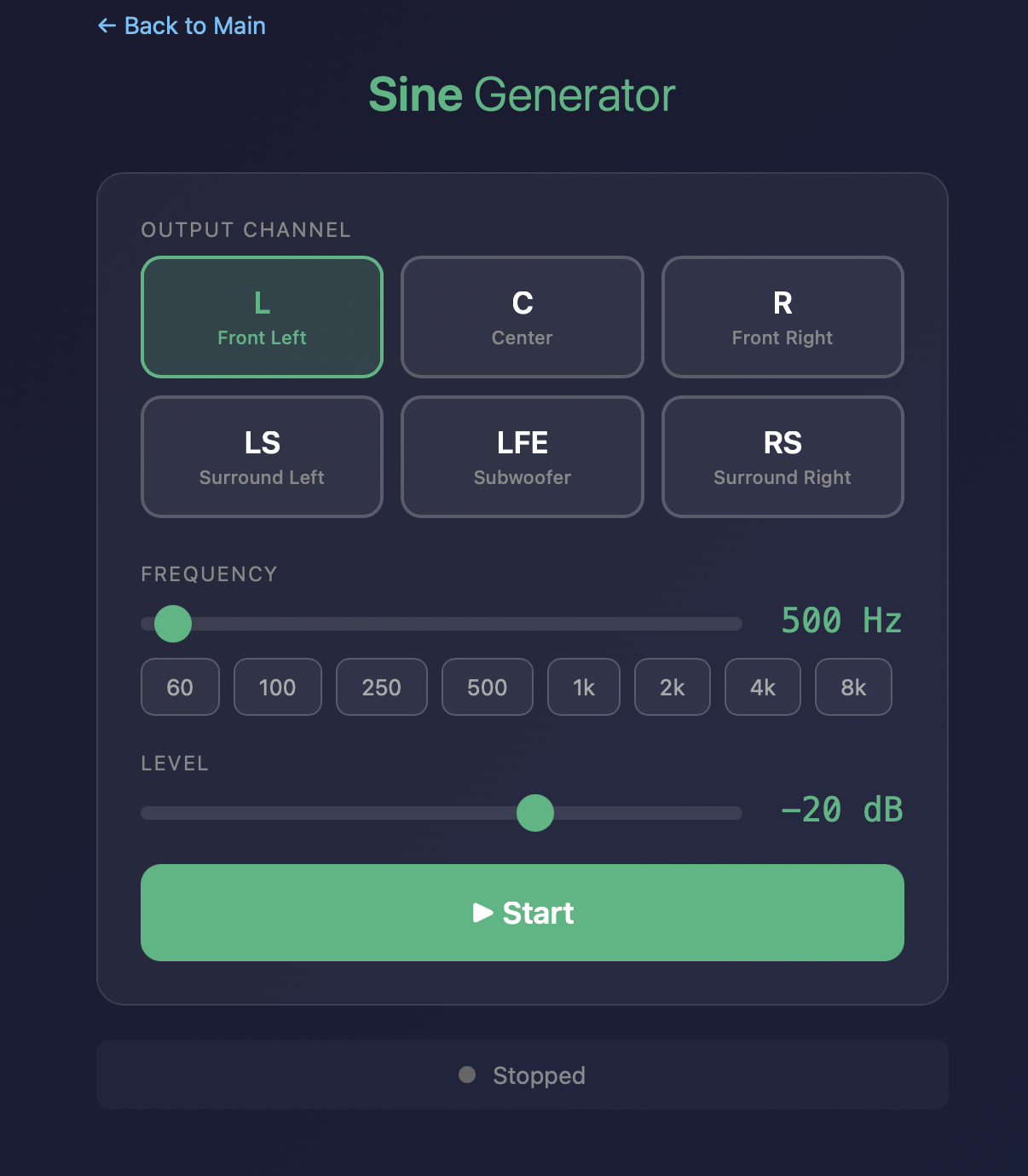
Sine Generator
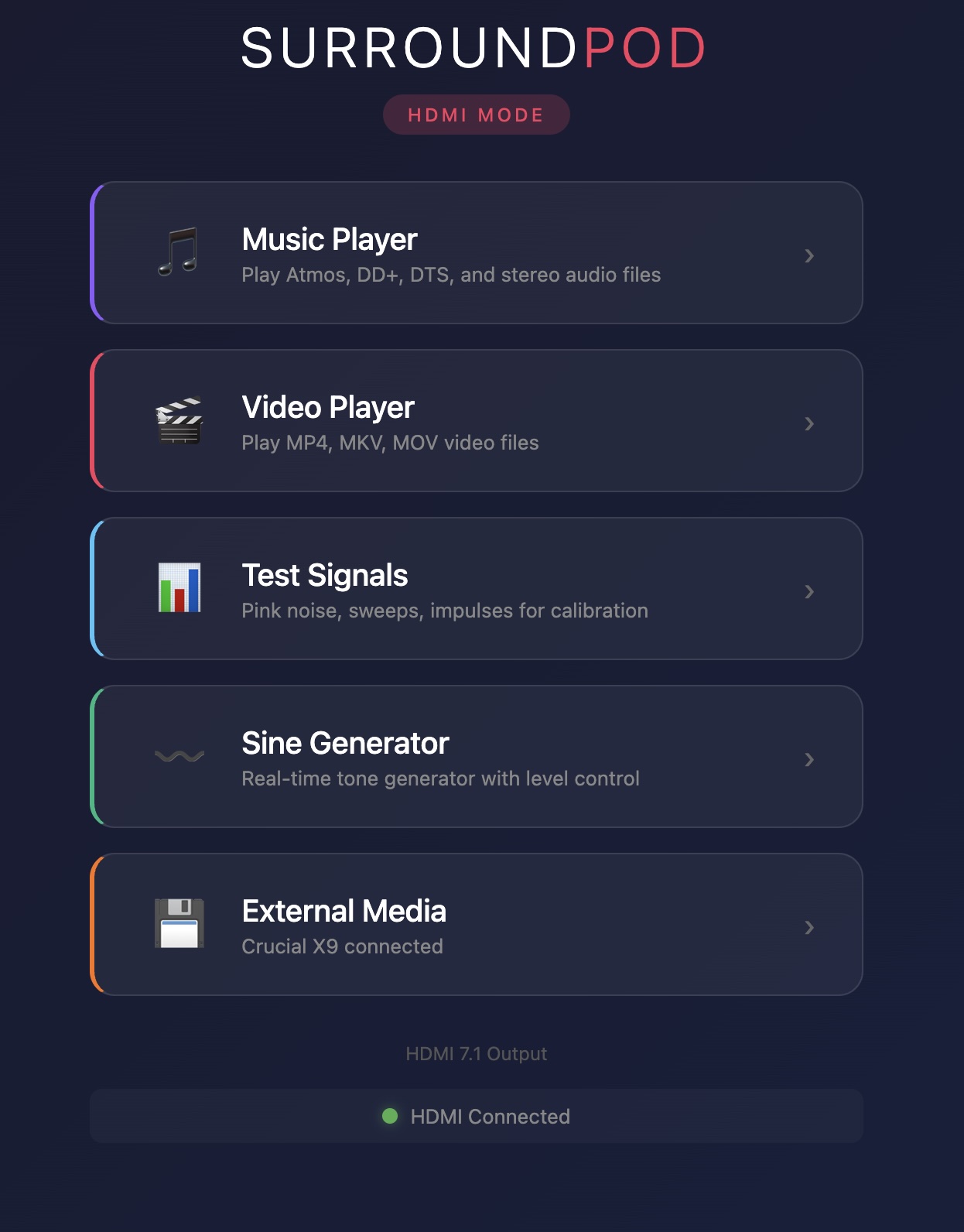
Generates sine waves from 10Hz–20kHz with smooth sweeping for rattle tests and subwoofer checks. Can be assigned to any 7.1 channel. Because sine waves are generated in real-time rather than played from a file, channel assignment is limited to 7.1.
Audio Media Player
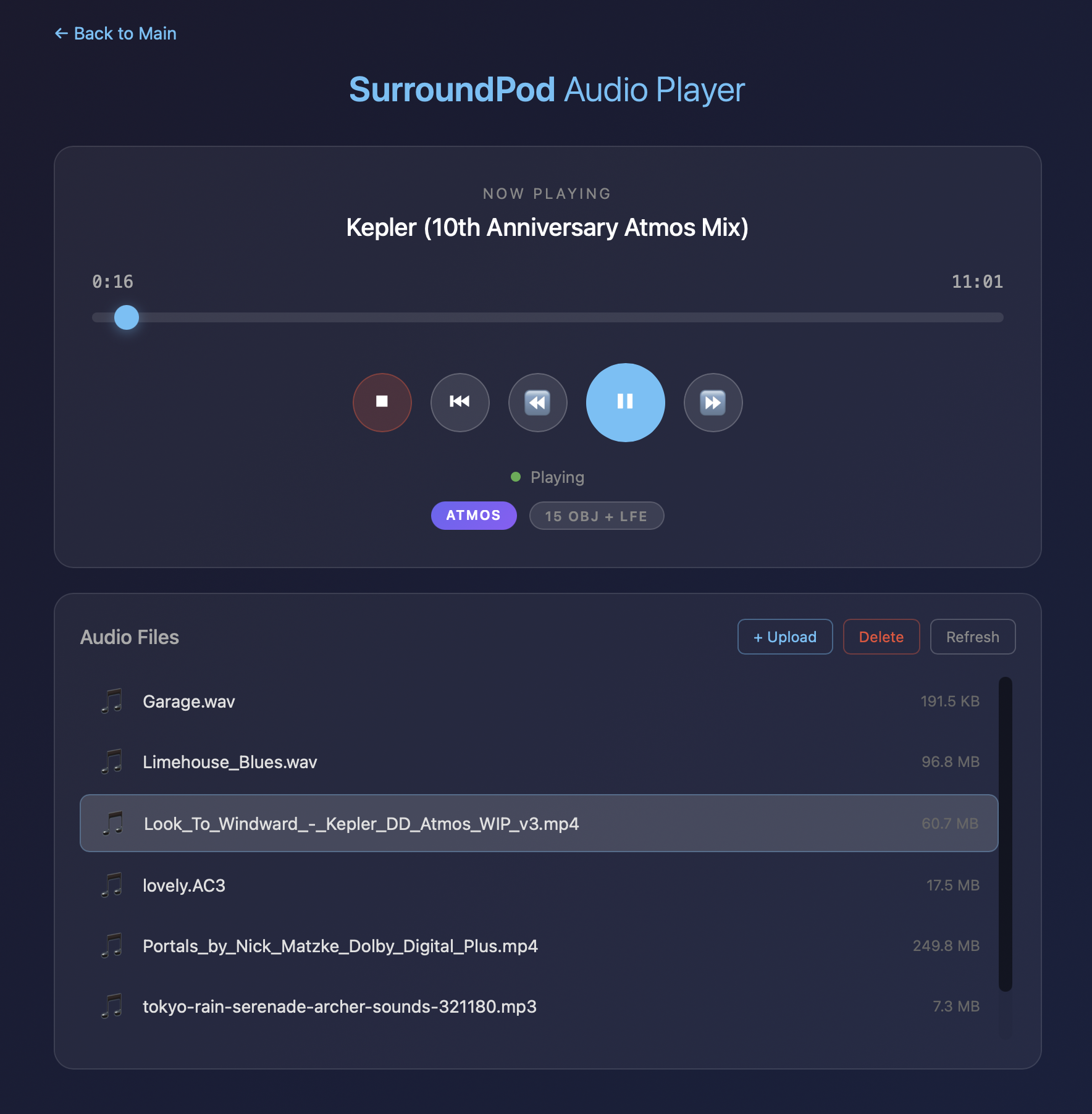
Upload your music files and play them through any processor or receiver with an HDMI input. Full bitstream passthrough ensures your AVR decodes the original format.
Supported formats:
- Dolby Atmos — up to 9.1.6 with object metadata
- Dolby Digital Plus / Dolby Digital
- Dolby TrueHD
- DTS / DTS-HD Master Audio
- Lossless PCM — WAV, FLAC
- Compressed PCM — MP3, AAC
AirPlay to HDMI
Stream audio from your iPhone, iPad, or Mac straight to SurroundPod and out over HDMI. Use any AirPlay-compatible app — a streaming service, your own library, demo tracks, or client material — and route it through the system you are calibrating.
Walk into a room, connect your phone, and listen through the full processing chain. Nothing to upload, and no separate source to carry.
Video Media Player
Play video files in multiple formats over HDMI. Upload your own content and play it back at any time.
Lossless soundtracks are sent to your processor untouched, not converted to stereo. Play a Dolby TrueHD, Atmos, or DTS-HD Master Audio clip and your AVR receives the original bitstream and decodes it exactly as authored — the same soundtrack your client will hear, from a box that fits in your kit bag.
At 1080p and below you get the picture and the original soundtrack together. 4K files are sent as sound only, or as picture with stereo if you prefer — your choice, switchable in the interface.
Still images display too. Drop BMP, JPG, or PNG files in alongside your video and call them up the same way, for logos, custom patterns, or reference stills.
Supported containers:
- MP4, MKV, MOV, AVI, WebM, M4V, TS (transport stream)
Supported codecs:
- H.264/AVC, H.265/HEVC, VP8/VP9, MPEG-2/4, ProRes, and more
AES67 Network Audio
SurroundPod supports up to 34 channels of AES67 over Ethernet, allowing you to send test signals and tones to any channel in a high-channel-count system, including Dante-compatible devices with AES67 enabled.
Transfer Function Audio Streaming
SurroundPod supports Transfer Function measurements by streaming a pink noise reference signal over the network to any 7.1 channel. This eliminates the need for a separate audio input connection for synchronous tests.
When connected to SurroundPod, Transfer Function in AudioTools or HAA CinemaTools streams pink noise to the selected channel, which also serves as the reference signal. Like the sine generator, streaming is generated in real-time, so channel assignment is limited to 7.1.
External Storage Playback
Plug an SSD into any USB-A port and play your music or video collection in any supported format, including 9.1.6 Dolby Atmos. Bring your library to any venue or production studio, connect to an HDMI port, and listen to your reference material instantly.
Browser and App Control
SurroundPod is controlled over the network via a browser or one of our supported apps. The browser interface provides access to the Test Signal generator, Sine Generator, Music Player, and Video Player in HDMI mode, or Test Signals and the Sine Generator in AES67 mode.
In AudioTools, SurroundPod integrates directly into modules like FFT and RTA, allowing you to control channel selection for pink noise or engage the music player without leaving your measurement workflow.
In HAA CinemaTools, every test module selects the appropriate signal and allows direct selection of any 9.1.6 channel for test signals during calibration, or any 7.1 channel for real-time generated signals.
Transfer Function in AudioTools supports real-time fixed-latency pink noise streaming, so a separate reference signal connection is not needed for synchronous tests.
Wi-Fi and On-Site Setup
SurroundPod ships wired, and Ethernet always takes priority — the sensible choice for an installed system, and a requirement for AES67. But not every job has a network.
Turn Wi-Fi on and SurroundPod will join your own network or a client’s. Arrive somewhere with no network at all and it creates its own: the connected display shows the Wi-Fi name, password, and a QR code, so you join from your phone and open the control interface with nothing else on site. It steps aside automatically as soon as a known network or an Ethernet cable appears.
The radio is off until you switch it on, so an installed unit behaves exactly as it always has.
1TB Premium Model
The 1TB Premium model includes everything above, plus a larger storage drive and a full video calibration suite for display setup and verification.
Display Mode Control
Switch between SDR, HDR10, and HLG output modes to match your calibration workflow. SurroundPod sends HDR infoframes over HDMI, triggering the correct processing mode on any connected display or AV processor — the same capability found in dedicated pattern generators costing thousands more. Advanced settings allow custom configuration of max luminance, min luminance, Max CLL, and Max FALL values for precise HDR metadata control.
Video Calibration Pattern Generator
Generate professional video test patterns directly over HDMI — no files or external sources needed. Patterns render in real time at 1080p or 4K resolution and are controlled from the browser or app interface.
Available patterns include:
- Color Bars — SMPTE, SMPTE HD (RP 219), PAL 100%, and RGB Test
- PLUGE — Black level setup pattern for display calibration
- Grayscale — Smooth grayscale ramp and 11-bar IRE steps (0–100% in 10% increments)
- Color Ramps — Individual red, green, and blue gradient ramps
- Geometry — Crosshatch grids (fine and coarse) and checkerboard for convergence and overscan
- Window & Patch — Adjustable window from 1–100% with X/Y positioning, custom foreground and background colors, IRE and RGB sliders with fine-adjustment nudge controls, and color presets for grayscale tracking, near-black steps, primaries, secondaries, and skin tones
Included Video Calibration Files
Over 20 professionally authored video calibration files are pre-loaded across 1080p and 4K resolutions, including white clipping, black clipping, color clipping, sharpness, overscan, alignment, skin tone, scene reference, grayscale ramp, grayscale steps, SMPTE color bars, SMPTE HD bars, window patterns, primary and secondary color fields, near-black ramp, and checkerboard patterns. Ready to use out of the box — no internet connection or activation required.
Reviews
There are no reviews yet.