Sine Generator
Generates sine waves from 10Hz–20kHz with smooth sweeping for rattle tests and subwoofer checks. Can be assigned to any 7.1 channel. Because sine waves are generated in real-time rather than played from a file, channel assignment is limited to 7.1.

Audio Media Player
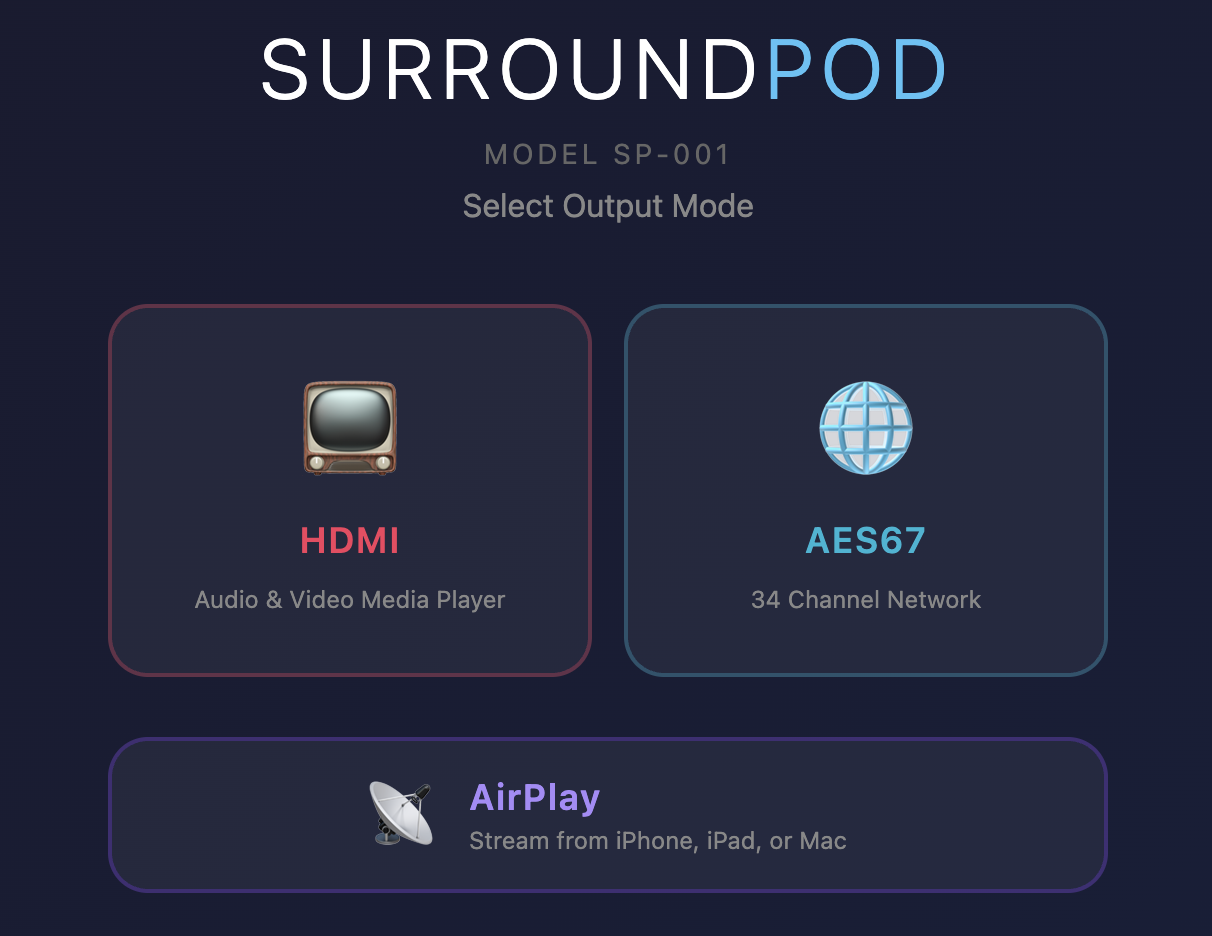
Upload your music files and play them through any processor or receiver with an HDMI input. Full bitstream passthrough ensures your AVR decodes the original format.
Supported formats:
- Dolby Atmos — up to 9.1.6 with object metadata
- Dolby Digital Plus / Dolby Digital
- Dolby TrueHD
- DTS / DTS-HD Master Audio
- Lossless PCM — WAV, FLAC
- Compressed PCM — MP3, AAC

Video Media Player
Play video files in multiple formats over HDMI. Upload your own content to build a video library that is always available without the need for internet access. The 1TB model also comes with over 20 SD and HD video calibration patterns.
Lossless soundtracks are sent to your processor untouched, not converted to stereo. Play a Dolby TrueHD, Atmos, or DTS-HD Master Audio clip and your AVR receives the original bitstream and decodes it exactly as authored — the same soundtrack your client will hear, from a box that fits in your kit bag.
At 1080p and below you get the picture and the original soundtrack together. 4K files are sent as sound only, or as picture with stereo if you prefer — your choice, switchable in the interface.
Still images display too. Drop BMP, JPG, or PNG files in alongside your video and call them up the same way, for logos, custom patterns, or reference stills.
Supported containers:
- MP4, MKV, MOV, AVI, WebM, M4V, TS (transport stream)
Supported codecs:
- H.264/AVC, H.265/HEVC, VP8/VP9, MPEG-2/4, ProRes, and more

Transfer Function Audio Streaming
SurroundPod supports Transfer Function measurements by streaming a pink noise reference signal over the network to any 7.1 channel. This eliminates the need for a separate audio input connection for synchronous tests.
When connected to SurroundPod, Transfer Function in AudioTools or HAA CinemaTools streams pink noise to the selected channel, which also serves as the reference signal. Like the sine generator, streaming is generated in real-time, so channel assignment is limited to 7.1.
To measure subwoofer delay, first select the center or left channel and turn the sub off. Then run the Delay Finder in Transfer Function and set the delay. Start the test, and save the test by holding the folder icon for a few seconds. Place the cursor on the crossover frequency.
Now switch to the Lfe channel and turn the sub back on. Do not move the microphone. Run the test, and observe the phase shift and slope of the curve at the cursor. If the phase shift or slope does not coincide with the saved plot, adjust the sub delay until it does.
Display Mode Control
Switch between SDR, HDR10, and HLG output modes to match your calibration workflow. SurroundPod sends HDR infoframes over HDMI, triggering the correct processing mode on any connected display or AV processor — the same capability found in dedicated pattern generators costing thousands more.
Advanced settings allow custom configuration of max luminance, min luminance, Max CLL, and Max FALL values for precise HDR metadata control.
Video Calibration Pattern Generator
Generate professional video test patterns directly over HDMI — no files or external sources needed. Patterns render in real time at 1080p or 4K resolution and are controlled from the browser or app interface.
Available patterns include:
- Color Bars — SMPTE, SMPTE HD (RP 219), PAL 100%, and RGB Test
- PLUGE — Black level setup pattern for display calibration
- Grayscale — Smooth grayscale ramp and 11-bar IRE steps (0–100% in 10% increments)
- Color Ramps — Individual red, green, and blue gradient ramps
- Geometry — Crosshatch grids (fine and coarse) and checkerboard for convergence and overscan
- Window & Patch — Adjustable window from 1–100% with X/Y positioning, custom foreground and background colors, IRE and RGB sliders with fine-adjustment nudge controls, and color presets for grayscale tracking, near-black steps, primaries, secondaries, and skin tones
Included Video Calibration Files
Over 20 professionally authored video calibration files are pre-loaded across 1080p and 4K resolutions, including white clipping, black clipping, color clipping, sharpness, overscan, alignment, skin tone, scene reference, grayscale ramp, grayscale steps, SMPTE color bars, SMPTE HD bars, window patterns, primary and secondary color fields, near-black ramp, and checkerboard patterns. Ready to use out of the box — no internet connection or activation required.
Now shipping!
$699.99 – $999.99Price range: $699.99 through $999.99Select options
This product has multiple variants. The options may be chosen on the product page